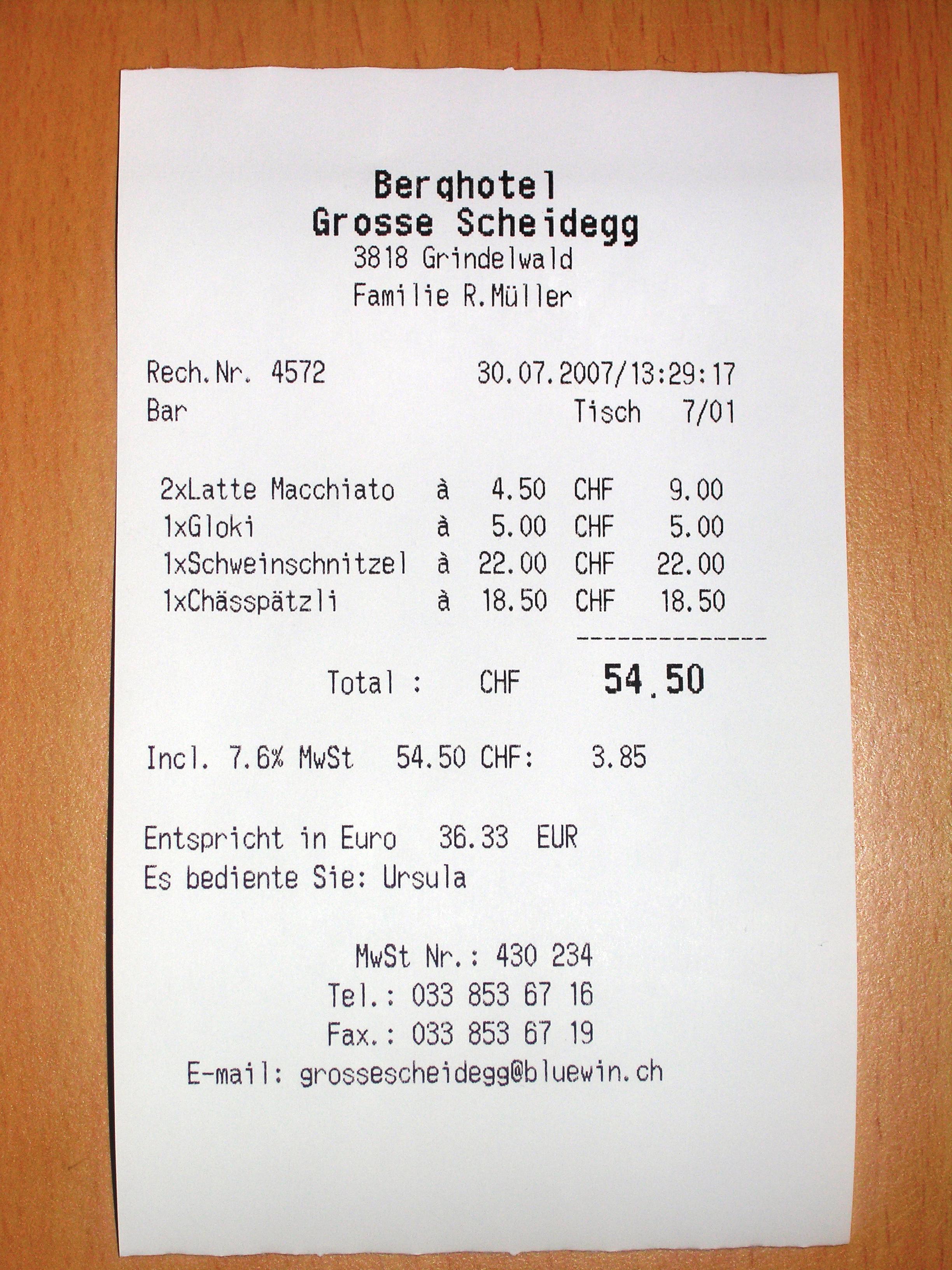

A receipt from a cash register carries no ink at all. The print is formed by heat inside a special coating, and that coating keeps reacting to its surroundings for the rest of the slip's life — to sunshine on a desk, a warm wallet, or even the plastic pocket it rests in. There is no household treatment that makes thermal print permanent, so the reliable plan has two parts: copy the information while it is still legible, then give any original you keep a cool, dark, dry folder.
What thermal paper is, and why it fails quietly
The U.S. National Archives' holdings-maintenance guidance for paper records traces the material from its original 1947 patent through the fax machines of the 1950s to 1980s to the cash-register receipts still printed today. It warns that some thermal papers are unstable enough that the information on them has become illegible, and that stability varies with the way the image was formed and the paper used. The named warning signs are “darkening of the paper and fading of the information” — a slip that has gone brown or grey overall, or print that looks weaker than it once did.
A 1996 NARA bulletin on fax transmissions, kept online as a historical and technical reference rather than current policy, described thermal images as extremely unstable and said they may begin to deteriorate in as few as six months. It also warned that thermal prints react with chemicals found in ordinary office surroundings, including markers, cosmetics, and some types of plastic folders, and may contain dyes that are not permanent. Treat those figures as a floor reported by a records office, not a promise: a well-made receipt kept cool and dark can stay readable far longer, while a poor one left on a sunny shelf may be gone within a year. What nobody can do is negotiate with the coating after the print has gone.
By contrast, most fax and office printing since the 1990s has used plain paper, which NARA describes as far more stable. The rest of this guide applies to the coated thermal kind.
Recognize thermal paper before you file it
The historical bulletin offers two practical field marks: thermal paper shows a smooth sheen and tendency to curl, which makes the slips awkward to stack and file. In a household drawer, expect it among store and restaurant receipts, parking and event tickets, boarding passes, shipping labels, and any fax pages received before plain-paper machines took over.
If you cannot tell whether a slip is thermal or plain-paper printing, do not settle the question with a hot iron, a radiator, or deliberate rubbing — you would be attacking the very image you want to keep. The safe default costs almost nothing: treat any suspect slip as thermal and copy it. A wasted photocopy is cheap; a failed heat experiment destroys the receipt.
Capture the information first
NARA's instruction for federal files was blunt: thermal-paper faxes that counted as records had to be photocopied onto plain paper as soon as they arrived. The same priority works at home, with a few practical additions:
- Photocopy or scan the slip while it is fully legible. A plain-paper photocopy is the stable working version. If you photograph instead, use even daylight, lay the slip flat, and zoom into the picture at full size before putting the original away.
- Write the context on the copy, not the original. Date, vendor, amount, and why it matters — warranty, tax, reimbursement, or family memory. If a note must travel with the original, use a soft pencil on the back with light pressure.
- Transcribe whatever has already faded. If a corner has weakened, write out what is left on the photocopy while you can still read it. Do not try to coax faded print back with heat, solvents, or household chemicals; record what remains instead.
- File the copy where you will actually look. The copy becomes your working document, and the original becomes the backup you rarely handle.
One caution before discarding anything: NARA's suggestion to consider discarding a reformatted original is a records-management position for government files. At home, tax authorities, warranty terms, return policies, and insurers each set their own rules about original documentation. Keep the original until you have confirmed that a copy is enough for the purpose you care about.
Store the originals you decide to keep
The Canadian Conservation Institute's Notes 11/2, Storing Works on Paper, supply the environmental frame: relative humidity above 60% speeds up chemical and biological deterioration and distorts paper, so CCI recommends keeping general paper collections below 50%; where human comfort and cost set the limits, it treats 21°C as the maximum acceptable temperature. Its list of storage spots to avoid reads like a tour of where receipts actually end up — attics, basements, outside walls with temperature swings, radiators and heating ducts, water pipes, and direct sunlight. A simple humidity monitor near the storage spot tells you which of these you are really fighting.
Light matters as much as climate: CCI notes that both daylight and artificial light fade dyes and discolour paper, so a closed folder or box beats a bulletin board. A wallet, a car's glovebox, or a kitchen windowsill combines warmth, light, and friction — the three things thermal print survives least.
Give receipts their own acid-free folder or envelope rather than mingling them with letters and photographs. CCI advises separating poor-quality paper from good-quality paper so acids and other contaminants do not migrate between them; modern coated receipts belong firmly in the poor-quality group, the same isolation logic this site uses for newspaper clippings. Keep adhesives, tape, and metal paper clips away from the slips — CCI lists all of these among the contact materials that degrade and disfigure paper. If you want a see-through sleeve, choose an inert polyester one sold for document storage: the historical NARA bulletin warns that some plastic folders react with thermal images, and unknown soft-plastic pockets are not worth the risk. The enclosure guide explains how to judge materials before buying.
Never laminate a thermal receipt — laminators work with heat, and heat is exactly what darkens the coating. Keep slips flat in the folder without pressing them under heavy stacks, and leave tears alone: a torn receipt filed flat keeps its information, while a taped one gains an adhesive problem.
Everyday habits that keep slips readable longer
Handle receipts with clean, dry hands, and keep them away from pens, markers, and cosmetics — the historical bulletin names everyday chemicals like these among the things thermal images react with. A receipt that matters should move from wallet to folder the day it comes home, not after a month of friction against cards and coins.
Two neighbours often share the receipt shoebox and deserve separate treatment. Old carbon-copy slips can contain PCBs and BPA, and NARA advises washing your hands after handling such records, especially before eating or drinking. Light-sensitive “ditto” duplicator pages fade quickly and need the same copy-first approach. Neither is thermal paper, but the sorting habit is identical: identify, copy, isolate.
Finally, look through the folder about once a year. Copy anything that has newly faded, retire any sleeve that has turned sticky or cloudy, and confirm the working copies still sit where you expect them. A five-minute annual check is what turns “copied once” into “still recoverable.”
When to stop and get help
Stop the household routine and keep the slip apart from clean papers if it is wet, moldy, or smells of contamination; if the paper is brittle, sticky, or coated with something you cannot identify; or if the receipt is evidence in a tax, legal, warranty, or insurance matter where its physical form could be challenged. Do not attempt bleaching, solvent cleaning, erasing, or any reactivation of faded print. As the American Institute for Conservation puts it, there is much you can do yourself, “but sometimes you need advice or treatment from a conservation professional” — its directory of peer-reviewed professional members, including book-and-paper specialists, is the place to find one.
Sources and scope
This guide covers ordinary, dry, intact thermal-printed household paper — receipts, tickets, labels, and old fax pages — at the level of identification, copying, and preventive storage. It does not cover wet or moldy material, valuable or irreplaceable documents, restoration, or the legal retention rules of any specific jurisdiction.
- U.S. National Archives: Paper-Based Records (Holdings Maintenance) — thermal paper's history, instability, warning signs, reformatting advice, and the PCB/BPA caution for carbon copies.
- U.S. National Archives: Bulletin 96-03 (superseded, kept as a technical and historical reference) — thermal image instability, chemical sensitivities, recognition marks, and the copy-on-receipt rule.
- Canadian Conservation Institute: Storing Works on Paper, CCI Notes 11/2 — temperature, humidity, light, locations to avoid, enclosure materials, and separating poor-quality paper.
- American Institute for Conservation: Find a Professional — when professional conservation advice is the right next step.